3-Step Workflow
How face swap works in DreamFaceReveal
From upload to export in a minute. Keep swaps clean and natural with guided steps.
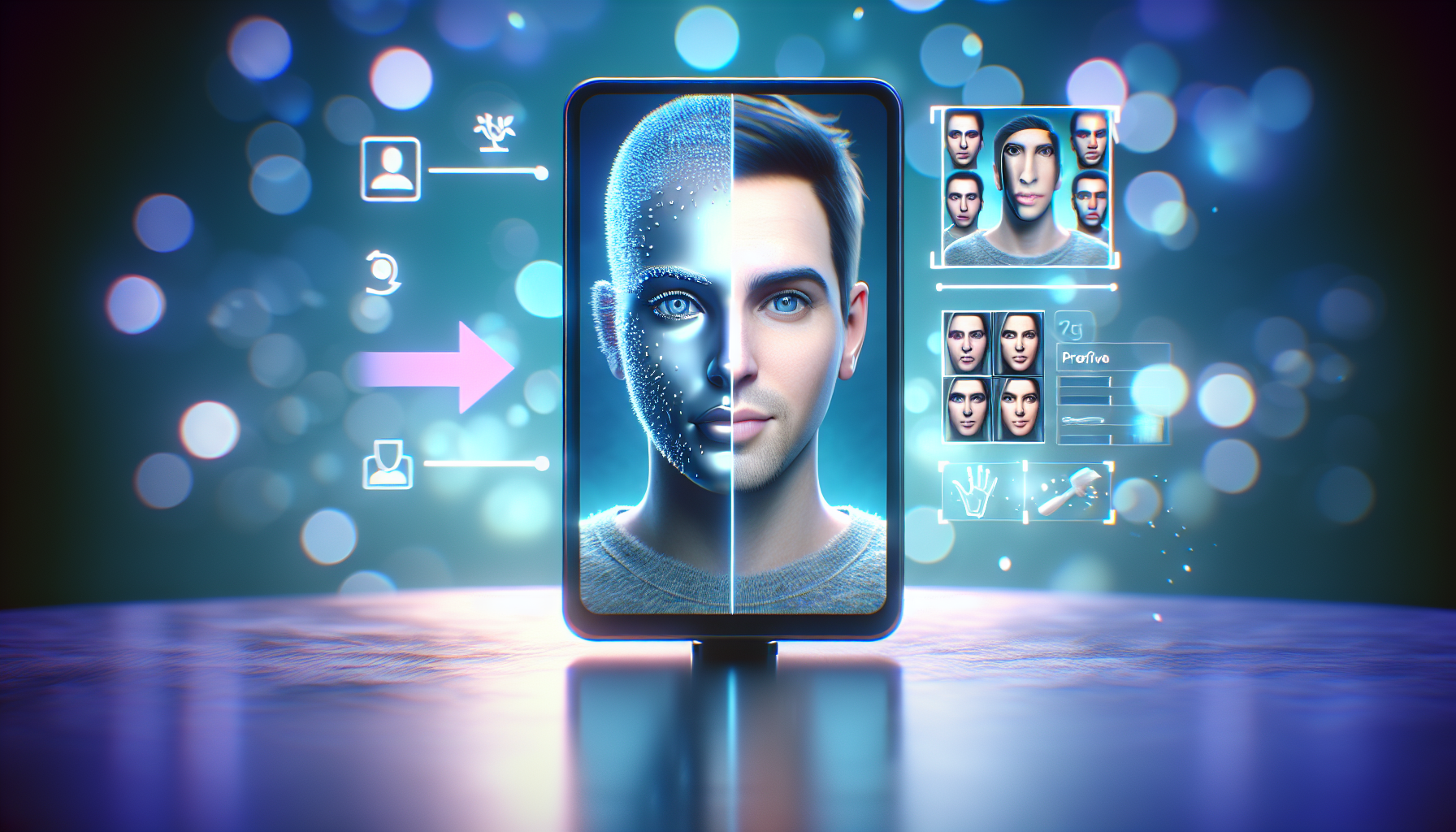
1. Upload
Select a photo or short clip. DreamFaceReveal auto-detects faces instantly.
2. Align
Adjust the overlay, tweak lighting, and preview the swap before export.
3. Export
Save in HD, share to social, or keep it private in your gallery.
Want faster swaps?
Premium tools unlock batch processing, frame stabilizer, and extra export controls.
Download the app